One tidy WhatsApp message
Items, quantities, total, pickup or delivery, name, address, date and note arrive together. No back-and-forth to work out the order.
 underpixelstudio.my
Hide prices and take quotes on WhatsApp.
Turn your PDF catalogue into WhatsApp orders.
Quotes & invoices, LHDN e-Invoice ready.

A product list and cart for WordPress that sends the whole order as one WhatsApp message. Customers add items, choose pickup or delivery, add their details and press send. You get one tidy message. No WooCommerce needed.
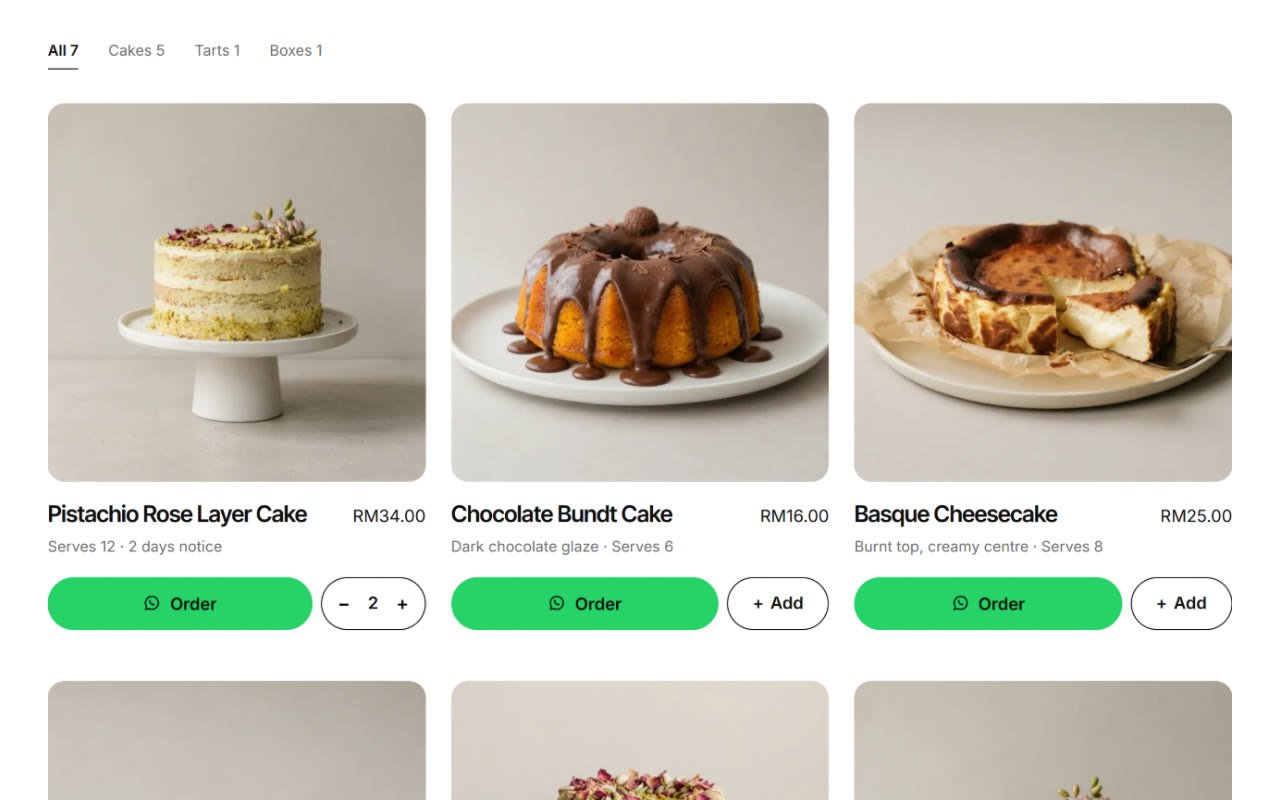
Items, quantities, total, pickup or delivery, name, address, date and note arrive together. No back-and-forth to work out the order.
Add products in the block editor and place two blocks on any page. Already on WooCommerce? Turn on WooCommerce mode instead.
A sticky order bar and a bottom sheet keep the order one tap away. One small script, no jQuery, only on pages that use the blocks.
A working copy of the order bar on a sample bakery page. Add products, change the settings, then press send to see the WhatsApp message. Nothing is sent anywhere.
Custom Wedding Cake
price on requestChocolate Bundt Cake
16.00Chocolate Truffle Box · 16
13.00Lemon Meringue Tart
22.00Add a product, then press "Send order on WhatsApp".
Go to Settings → Order Cart.
60123456789.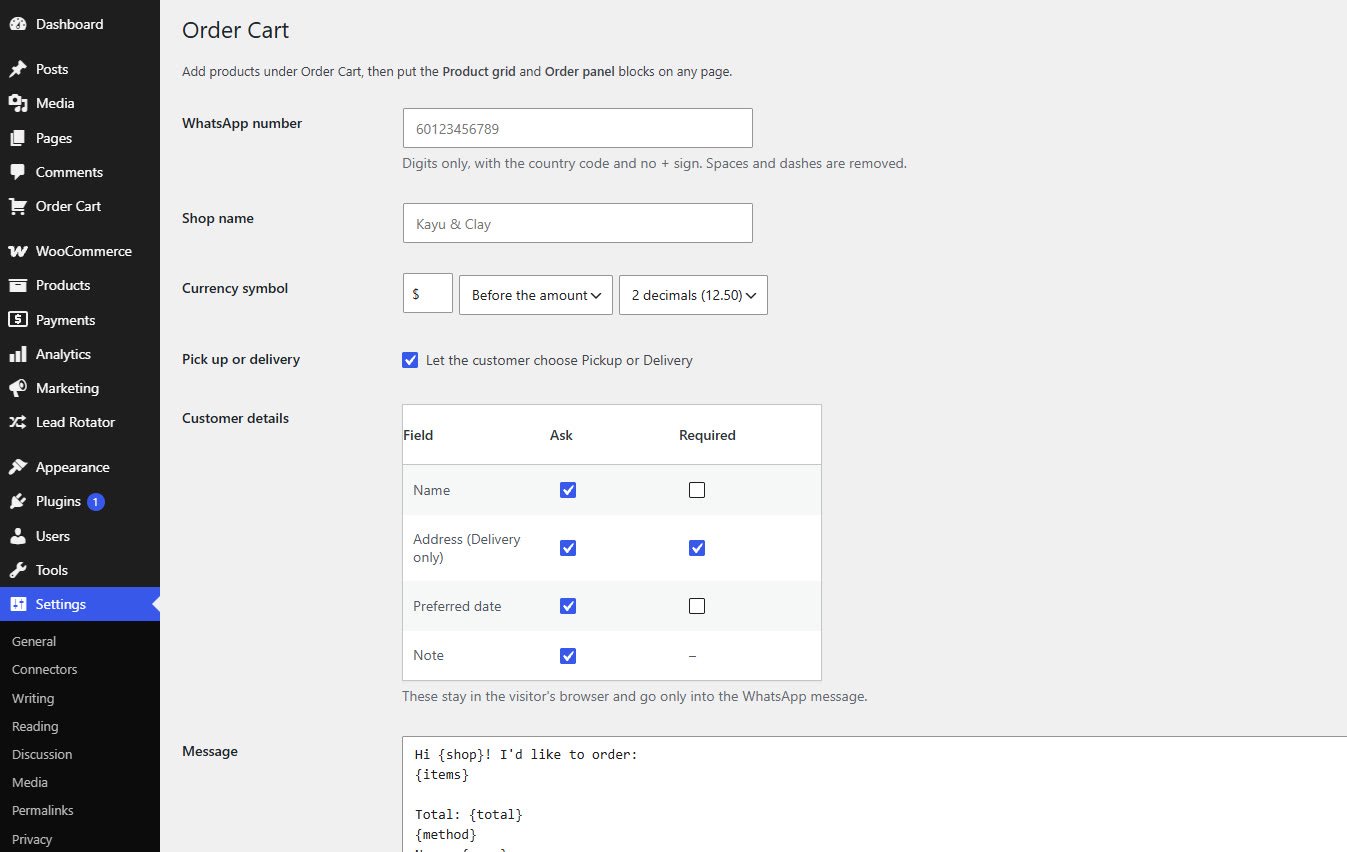
Open Order Cart → Add New in the admin menu. Each product is edited in the normal block editor.
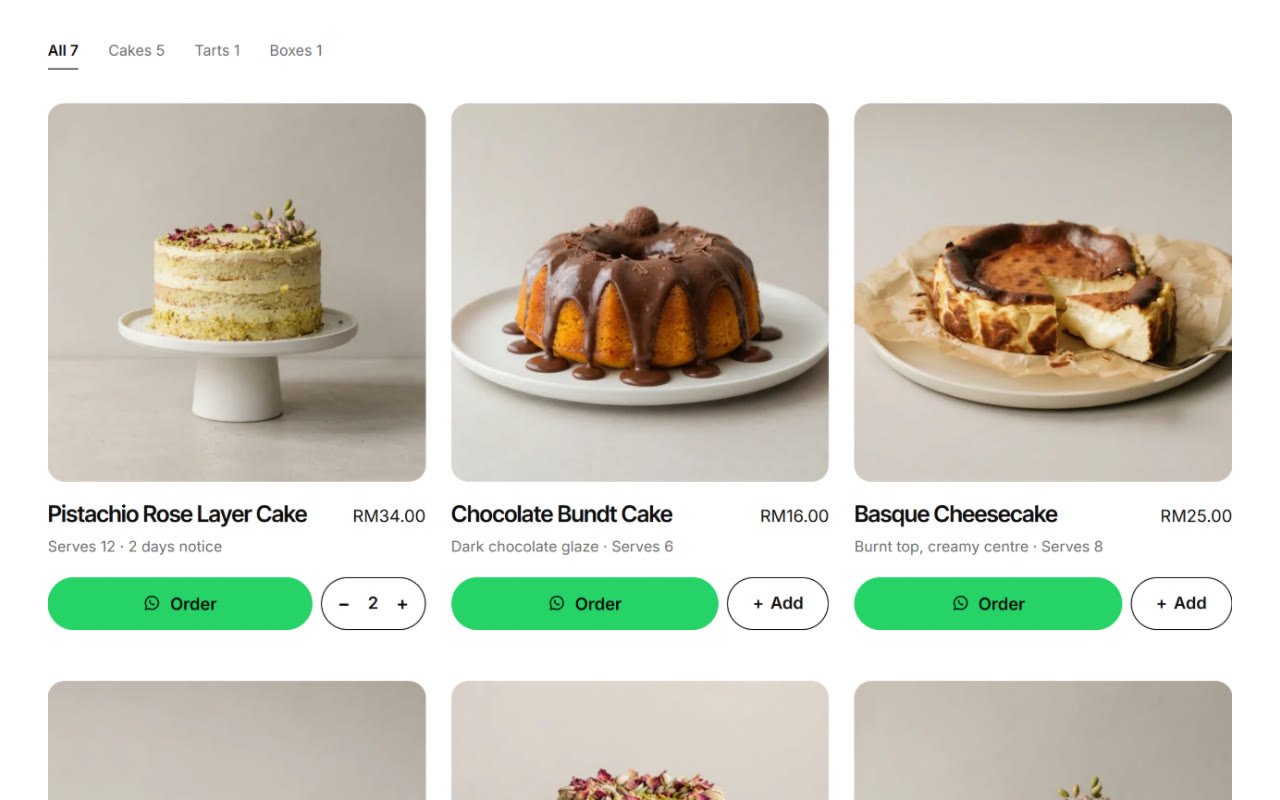
On any page, add the Product grid block and the Order panel block. The grid shows your products with category tabs; the panel holds the order, the subtotal and the send button.
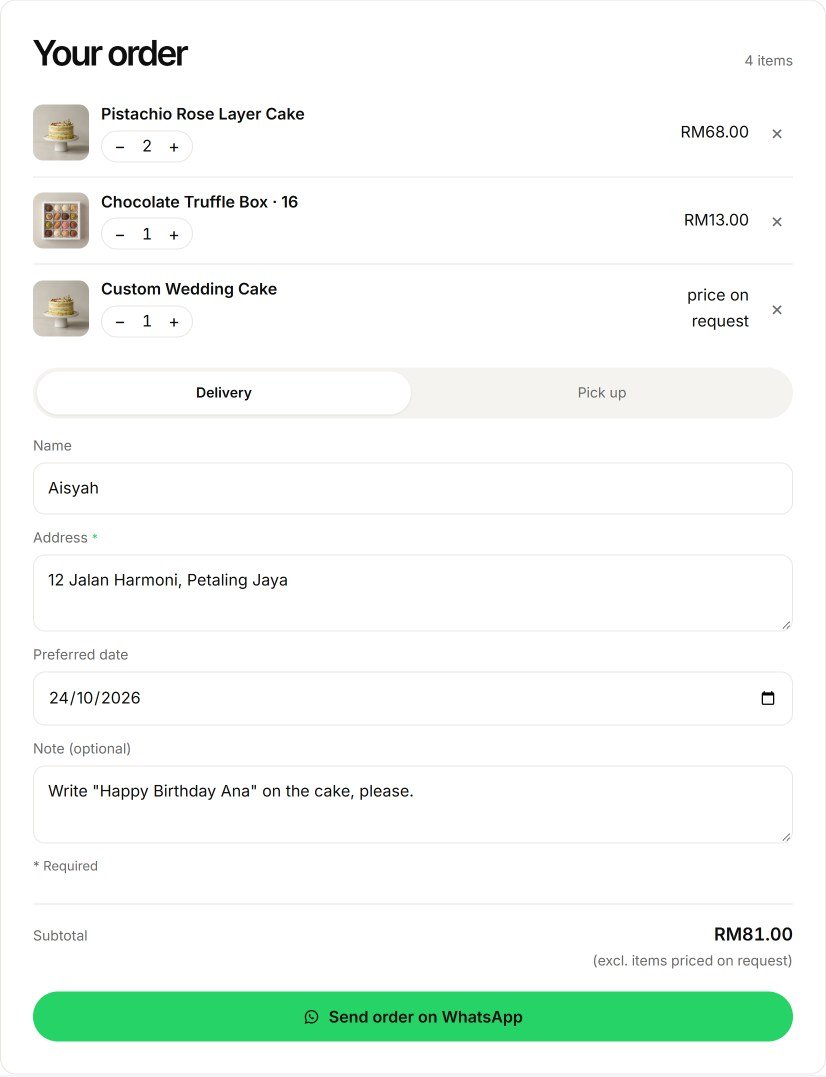
Settings → Order Cart has one message template, with placeholders for shop, items, total, name, method, address, date and note. Empty placeholders remove their own line. A real message looks like this:
Hi doce forno! I'd like to order:
• 2× Pistachio Rose Layer Cake (RM68.00)
• 1× Chocolate Truffle Box · 16 (RM13.00)
• 1× Custom Wedding Cake (price on request)

Total: RM81.00 (excl. items priced on request)
Delivery
Name: Aisyah
Address: 12 Jalan Harmoni, Petaling Jaya
Date: 2026-10-24
Note: Write "Happy Birthday Ana" on the cake, please.
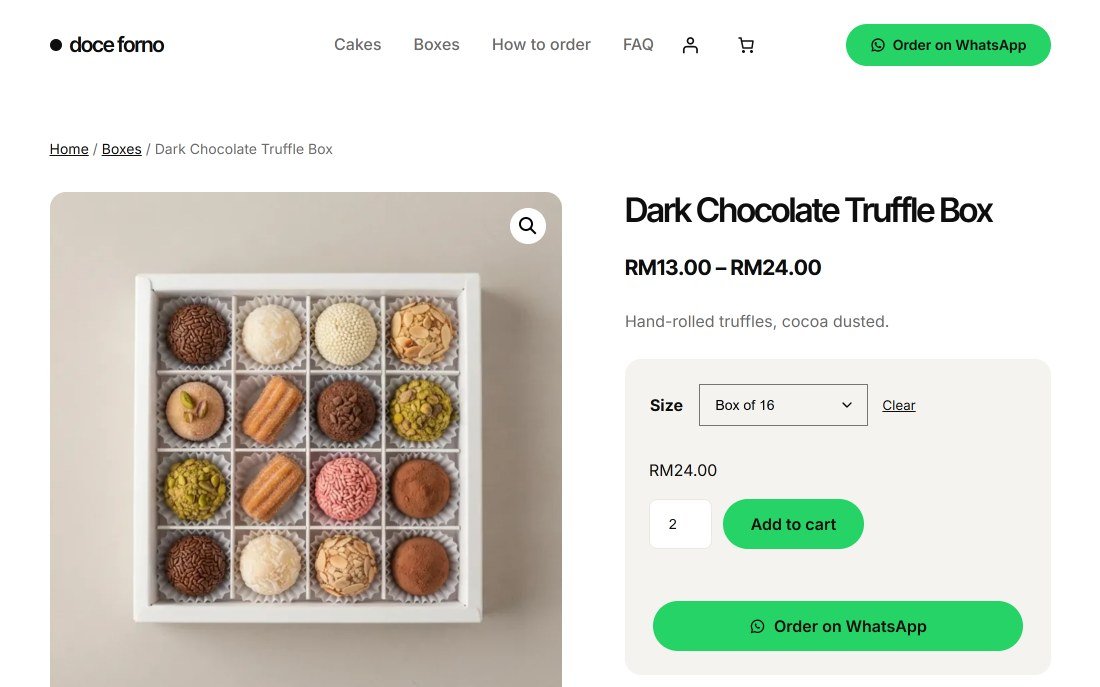
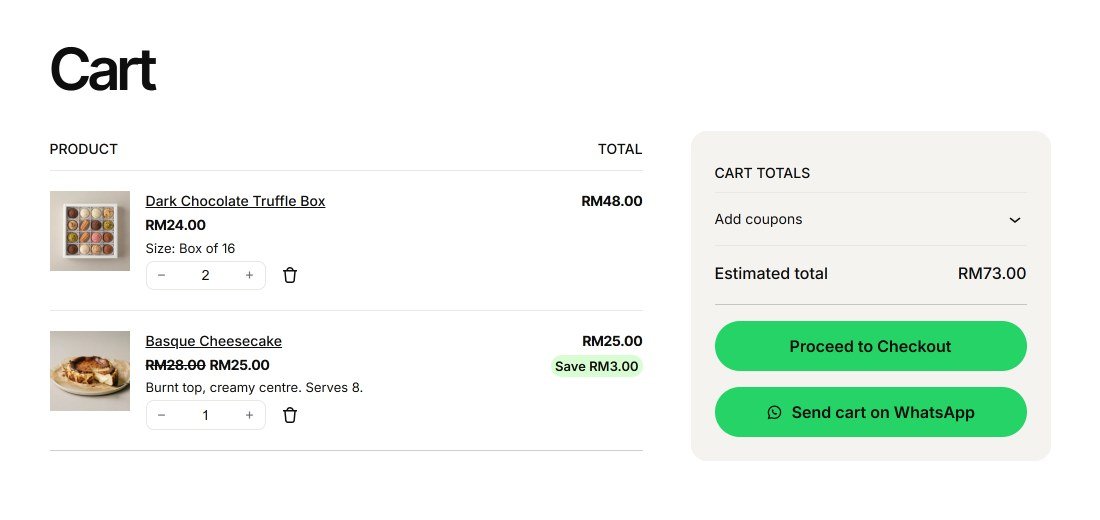
If WooCommerce is active, Settings → Order Cart shows two more options.
 Quote RequestHide prices and add a WhatsApp quote button.
 Lead RotatorShare WhatsApp chats between your sales staff, in turn.
 Sales Popup“Just bought” popups from your real orders.
 Delivery DateCustomers pick a delivery date at checkout.
 Product OptionsProduct options and add-ons with their own price.
Order Cart, your products, the message and speed, set up and tested for a fixed price.
Tell us about your business. You get a clear quote before any work starts.