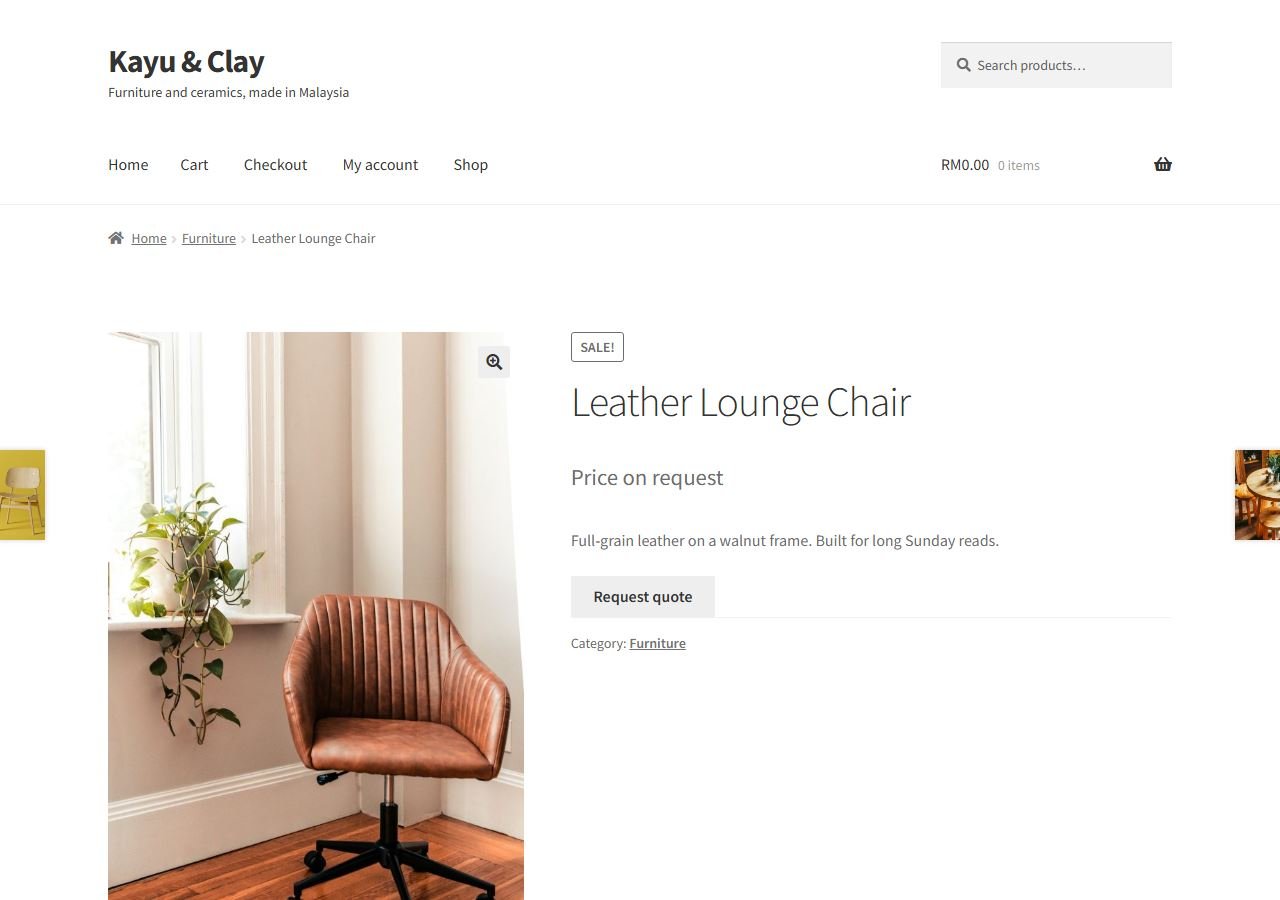
If your website has one WhatsApp button, every enquiry lands on one phone. One salesperson gets all the leads, the others wait, and someone has to forward chats by hand. Slow replies lose customers.
A round robin fixes this: the first click goes to staff 1, the next to staff 2, then staff 3, then back to staff 1. This guide sets it up in a few minutes with our free plugin, Underpixel Lead Rotator. You do not need to replace the WhatsApp button you already have.
How it works
- The plugin finds the WhatsApp links already on your pages: wa.me, api.whatsapp.com, web.whatsapp.com and whatsapp:// links, including buttons from your theme or a chat plugin.
- At the moment a visitor clicks, it swaps the number for the next salesperson in the list. The message the visitor would send stays exactly the same.
- No WhatsApp button yet? Switch on its floating button, or put the
[leadrotator]shortcode on any page.
Step 1: Install the plugin
- In your WordPress admin, go to Plugins > Add New Plugin.
- Search for Underpixel Lead Rotator, then click Install Now and Activate.
- WooCommerce is not needed. It works on any WordPress site.
Step 2: Add your sales staff
- Open Lead Rotator in the admin menu. The first question asks whether your site already has a WhatsApp button.
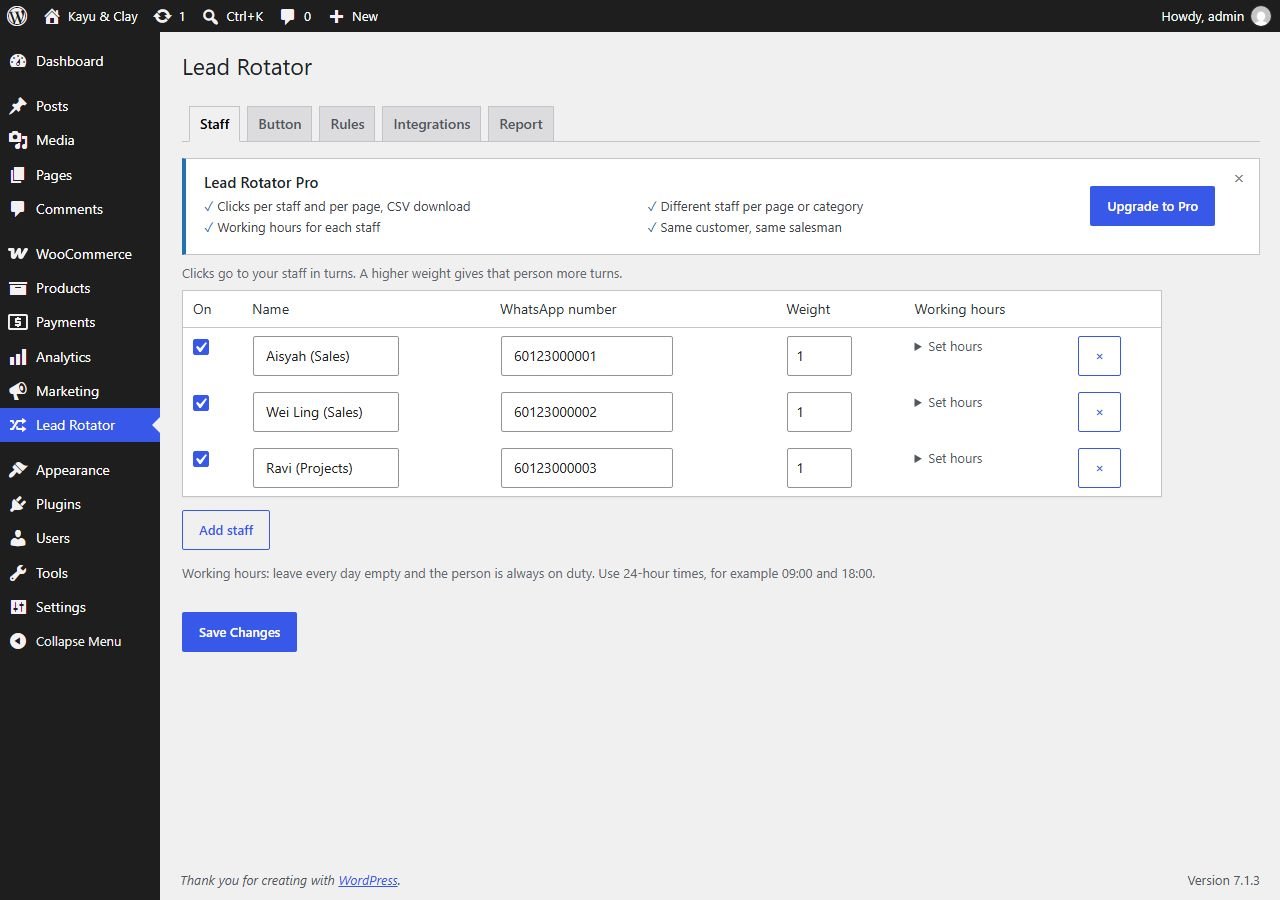
- On the Staff tab, add each salesperson with their WhatsApp number and country code. You can type it as +60 12-345 6789; it is cleaned automatically.
- There is no limit on the number of staff.
Step 3: Give your best seller more turns (optional)
Each salesperson has a weight from 1 to 5. A weight of 2 means two turns for every one turn of someone at 1. Handy for a senior closer or someone who works full days.
Step 4: Add a button if you have none
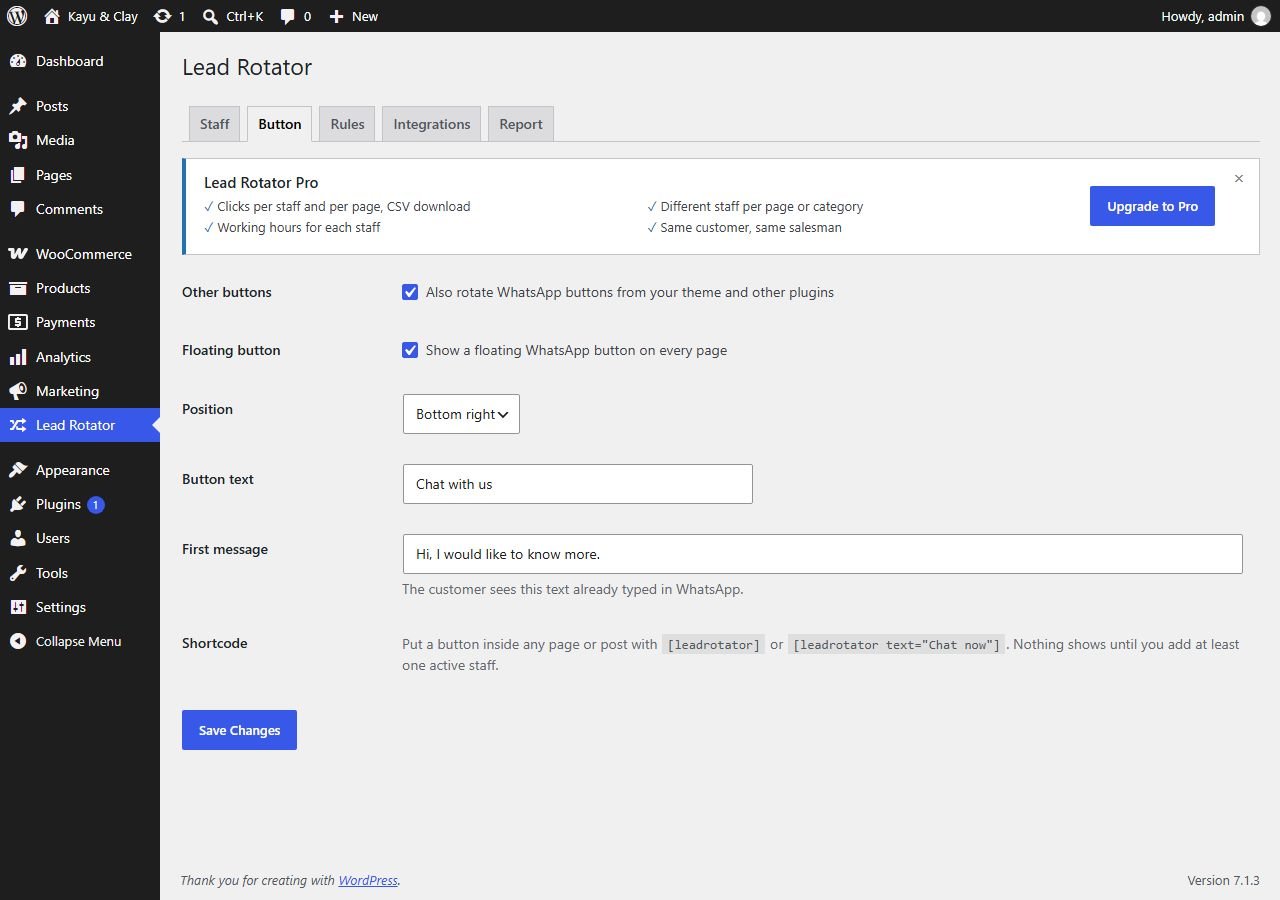
- On the Button tab, switch on the floating button, choose left or right, and write its text, such as "Chat with us".
- Set a greeting for the first line of the message.
- Or place
[leadrotator]where you want a button. It uses your theme's own button style.
Will it break my WhatsApp button?
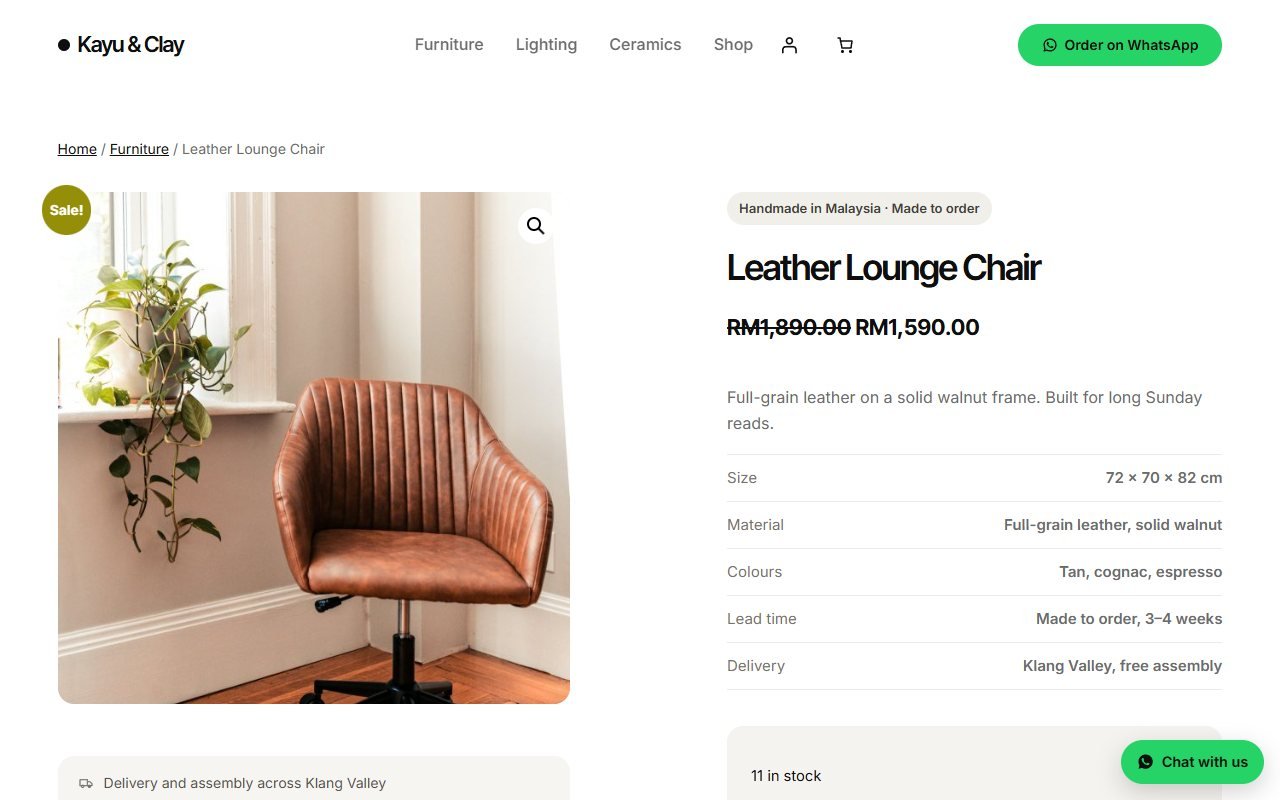
No. If anything fails, the visitor goes to the original number, so there is never a dead button. It also works with page caching, because the rotation happens at the click, not when the page is built. It has been tested with Joinchat, Click to Chat, Chaty, Elementor buttons and plain wa.me links.
What you can track
The free version shows click totals for the last 30 days and for all time. Note that these are clicks on a WhatsApp button; the plugin cannot see whether the visitor then sent a message. Pro adds clicks per staff and per page with a CSV download, working hours per salesperson, different staff per page or category, and "same customer, same salesperson".
Try it on your site
Underpixel Lead Rotator is free on WordPress.org. Nothing is locked or time-limited.