In much of the world, from Malaysia and India to Brazil, Mexico and Spain, many customers would rather send a WhatsApp message than fill in a form or check out alone. They want to ask about size, colour, delivery or a better price first. If your shop runs on WooCommerce, four small free plugins turn that habit into sales instead of missed chats.
All four are made by us, are free on WordPress.org, and work with the theme you already have. Each one does a single job. You can use one, two or all four.
1. Quote Request: hide prices and get quotes on WhatsApp
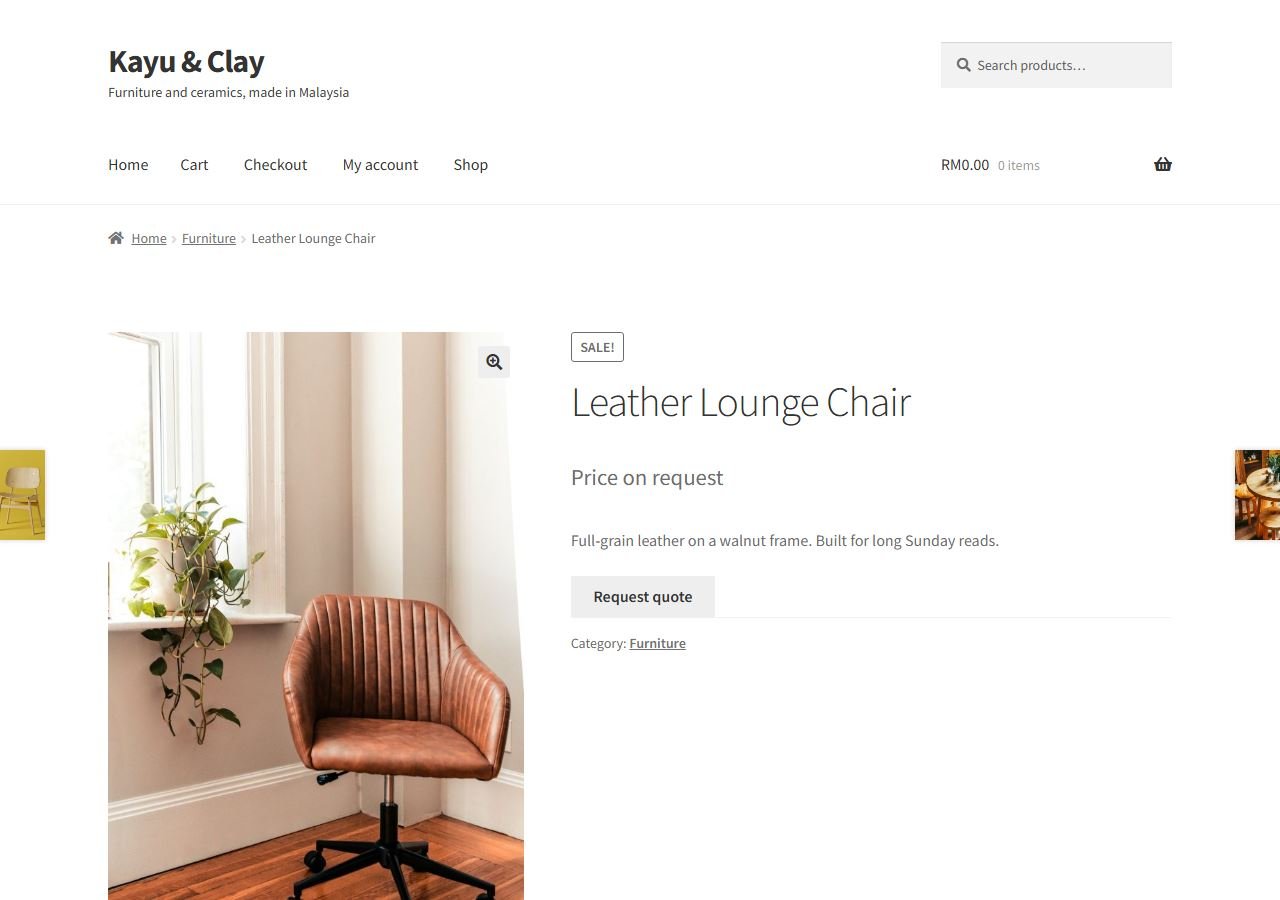
For shops that price each order by hand: furniture, printing, machinery, wholesale, renovation. The plugin hides the price, shows your own text such as "Price on request", and adds a Request quote button. One tap opens WhatsApp with the product name and link already written, so you know exactly what the customer is asking about.
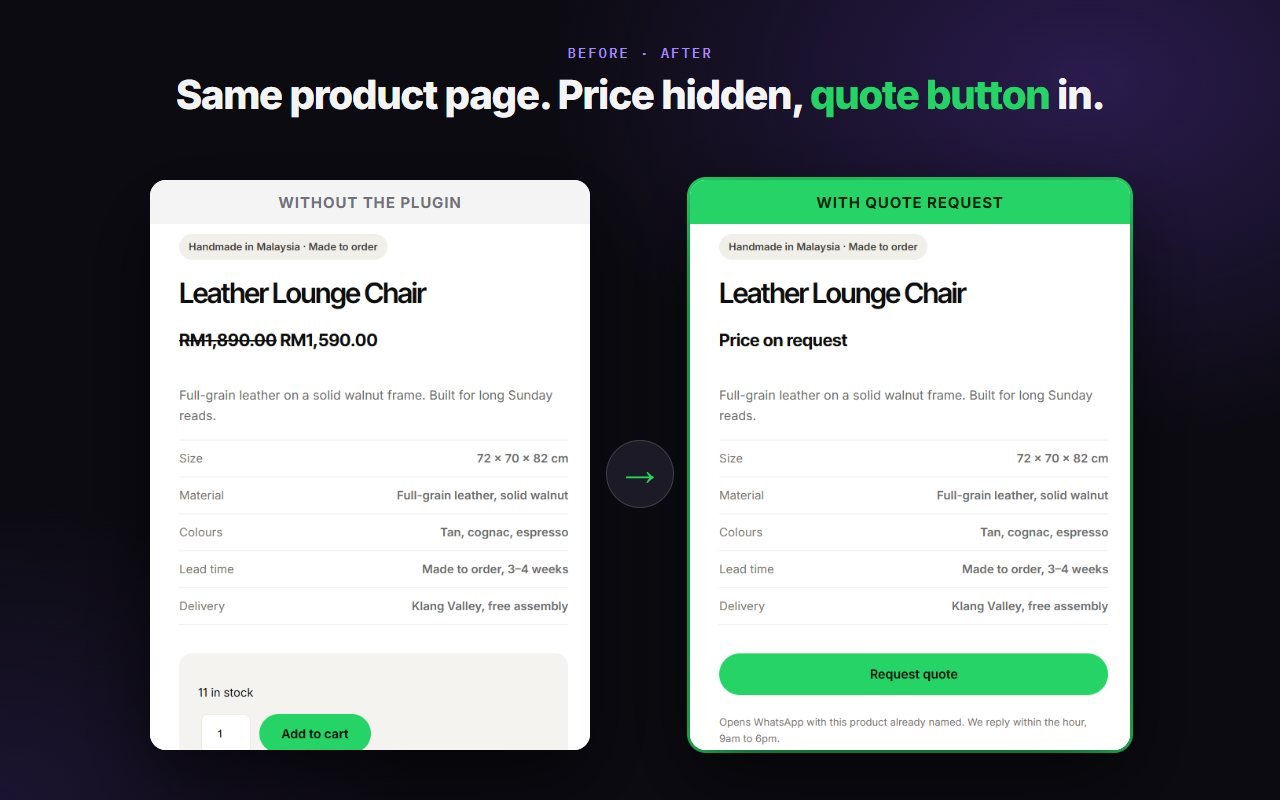
- Your own text in place of the price, on all products or chosen ones.
- Add to Cart hidden on those products, so nobody checks out at a price you did not mean to show.
- The hidden price is also removed from the data Google reads.
Step-by-step guide for Quote Request
2. Lead Rotator: share WhatsApp chats across your sales team
If one person answers every chat, replies get slow and sales are lost. Lead Rotator sends each new WhatsApp click to the next salesperson in turn. It works with the WhatsApp buttons already on your site, including the Quote Request button, so there is nothing to replace.
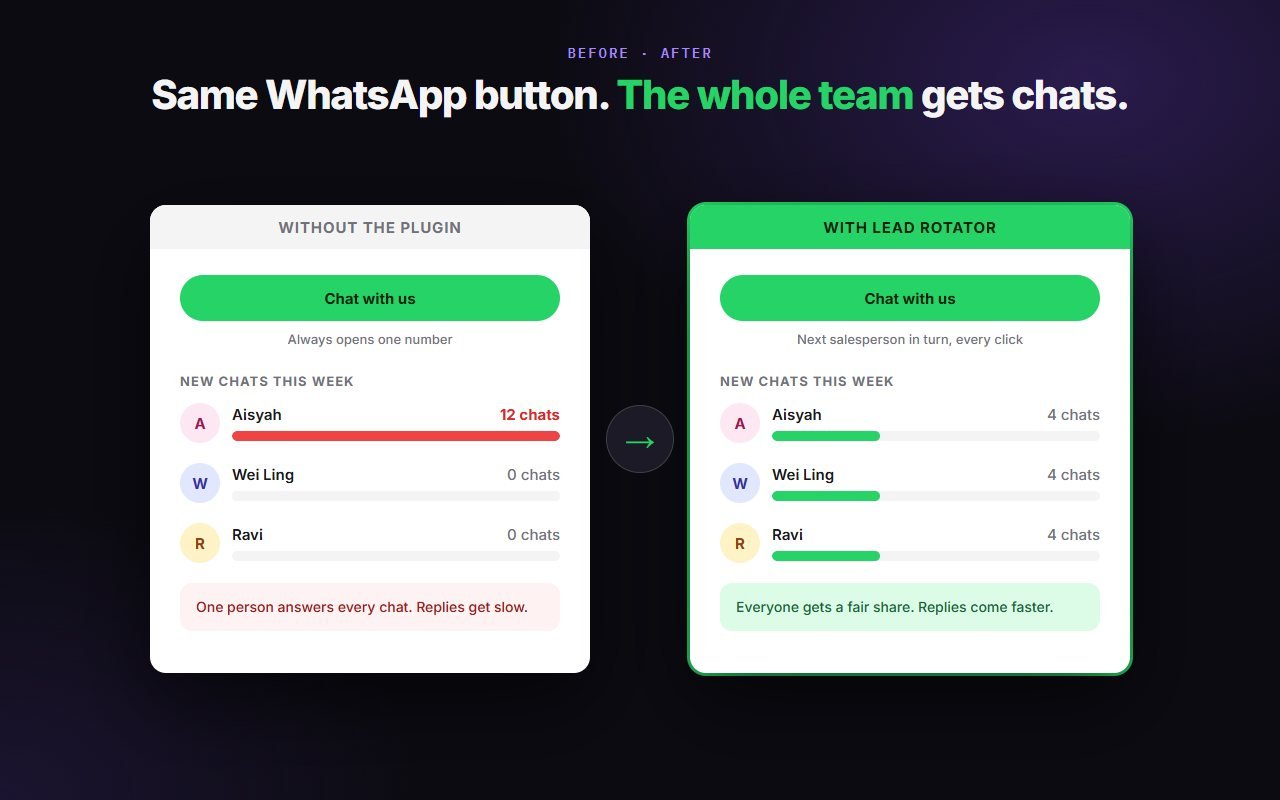
- No limit on sales staff, and your best seller can get more turns.
- A floating "Chat with us" button or a shortcode, if your site has no WhatsApp button yet.
- Works on any WordPress site, not only WooCommerce shops.
Step-by-step guide for Lead Rotator
3. Sales Popup: show real recent sales
A small popup such as "Someone in Shah Alam bought Clay Teapot, 1 hour ago" tells new visitors that real people buy from you. Many popup plugins can invent orders. Ours cannot: it only shows real, paid orders from the last 7 days, and nothing at all when there are none.

- No surname, address, phone or price is ever shown.
- Buyers choose at checkout whether their order may appear.
- The popup takes your theme's font and colours.
Step-by-step guide for Sales Popup
4. Order Cart: take whole orders on WhatsApp
For shops where customers order several things at once: bakeries, restaurants, florists, wholesalers. In WooCommerce mode, product pages get an Order on WhatsApp button that names the chosen variation, and the cart gets Send cart on WhatsApp. The whole order arrives as one tidy message, with quantities and the total.
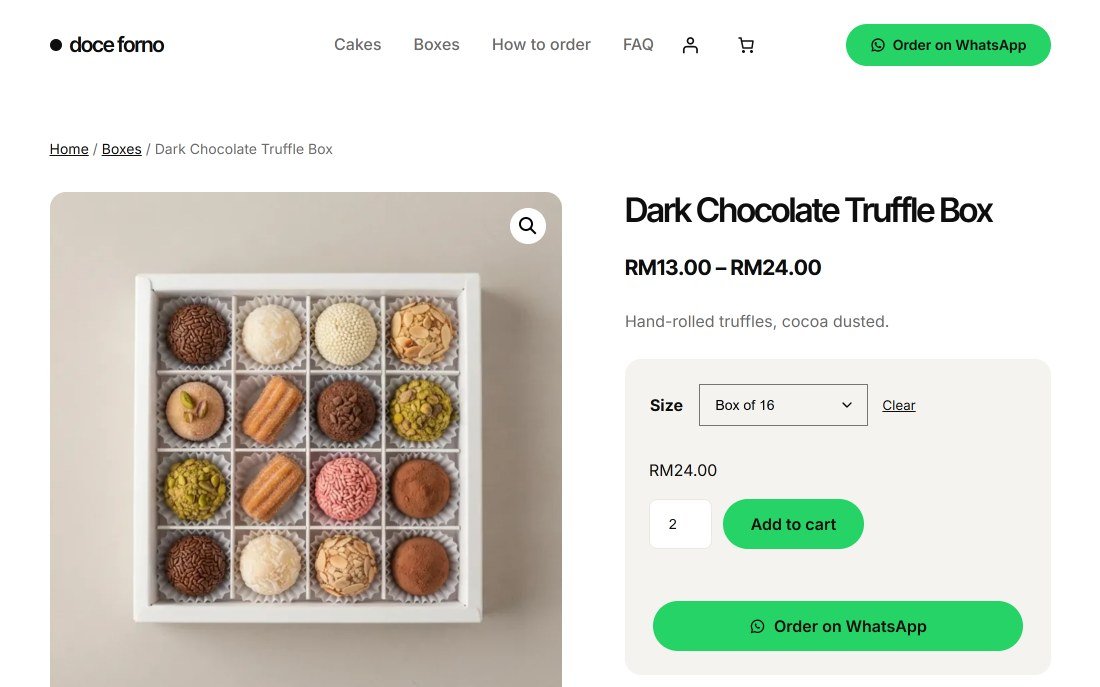
- Works on the classic cart and the Cart block, with variations, add-on details and coupons in the message.
- A WhatsApp only option hides Add to cart and checkout, if you only take orders by chat.
- No WooCommerce? It also has its own product list and order form for any WordPress site.
Step-by-step guide for Order Cart
Which one should you start with?
- You quote every order by hand: start with Quote Request.
- Two or more people answer WhatsApp: add Lead Rotator.
- You already get orders through checkout: add Sales Popup.
- Customers order several items by chat: add Order Cart.
Together, a quote shop could hide its prices with Quote Request, share the incoming requests between three salespeople with Lead Rotator, and show recent paid orders with Sales Popup.
Free, with an optional Pro
Each free plugin is complete for most shops. Nothing is locked or time-limited. Quote Request, Lead Rotator and Sales Popup also have a paid Pro version for bigger needs, such as rules per category, working hours per salesperson or a sales report. You can see every Pro option in the settings before you decide.
Try them on your shop
All four are free on WordPress.org. Search for "Underpixel" in Plugins > Add New Plugin.